
Hello world!
Welcome to WordPress. This is your first post. Edit or delete it, then start writing!
Internet TV subscription · Live, on demand & sport
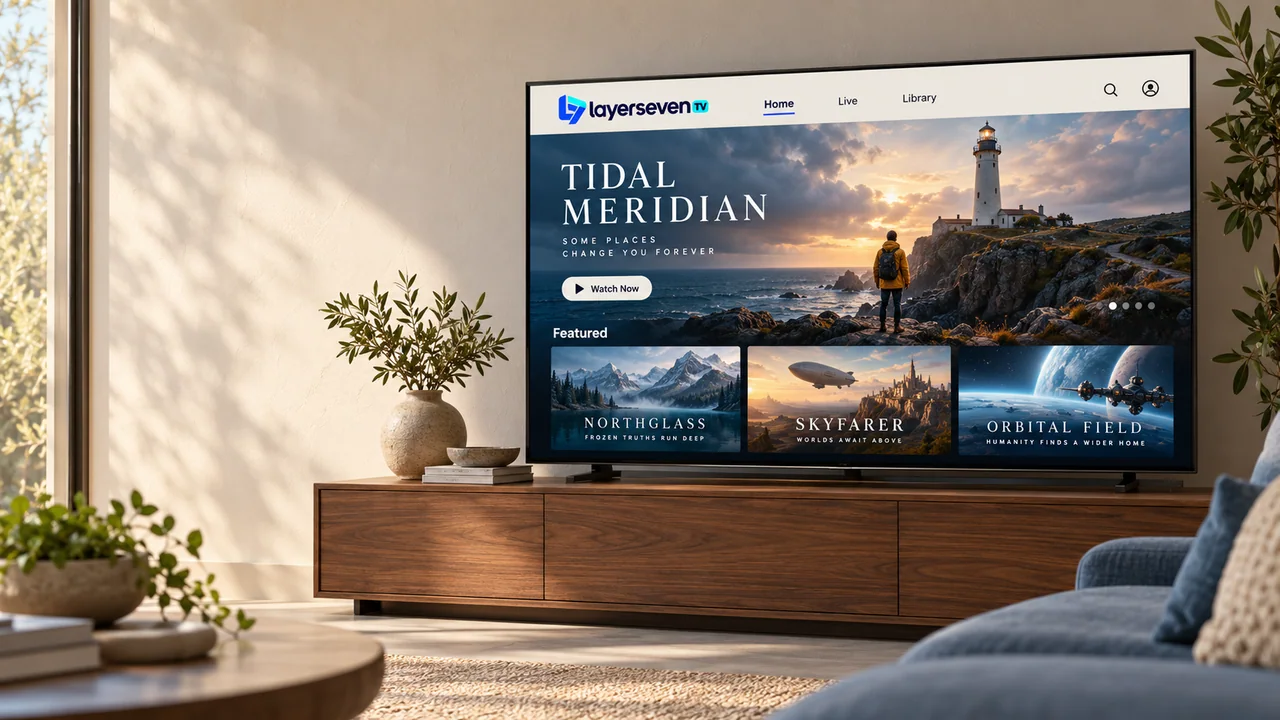
LayerSeven TV is an internet TV subscription with national and international channels, movies, series and live sports. Choose a plan from €17 and we’ll help you set it up on your Smart TV, Fire TV Stick, Android box, Apple TV or phone — step by step, on WhatsApp.
At a glance
01 The short answer
LayerSeven TV is a prepaid internet TV (IPTV) subscription. Instead of a dish or a cable box, you watch national and international live channels, movies, series and sports through a player app on your Smart TV, Fire TV Stick, Android device, Apple TV, phone or computer. Plans run from 1 to 12 months, with setup help on WhatsApp.
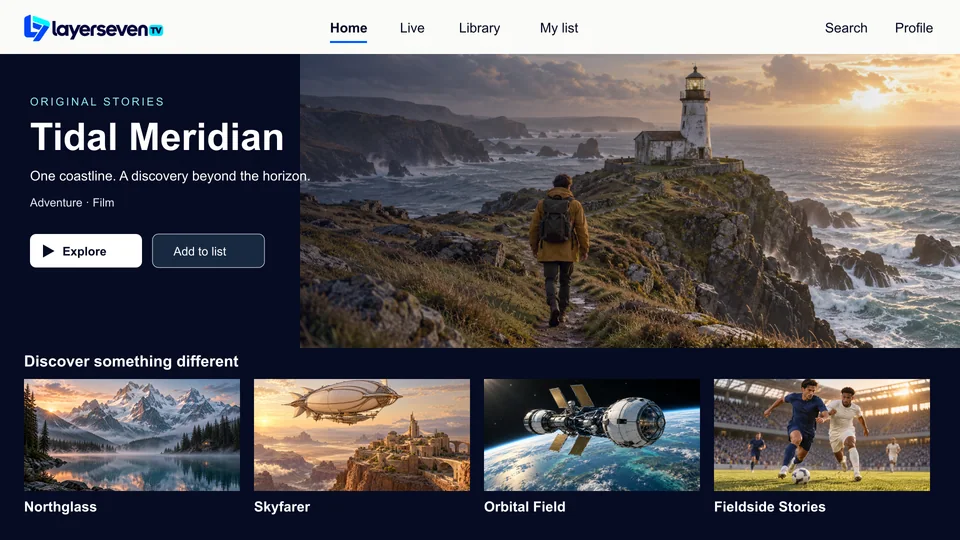
Everyday channels from your own country — news, talk shows, entertainment and the programs people mention at work the next day.
How the line-up worksChannels from other countries and in other languages — for families abroad, and anyone who follows the news from home.
English-language TV abroadAn on-demand library you browse like a streaming app: a film tonight, a series over the weekend.
Inside the libraryLive sport channels and events. If one match matters to you, ask us to check it before you pay.
Sports on LayerSeven TV02 Compatibility
LayerSeven TV runs inside a player app, so it works on most screens you already own. Pick your device to see exactly what you need.
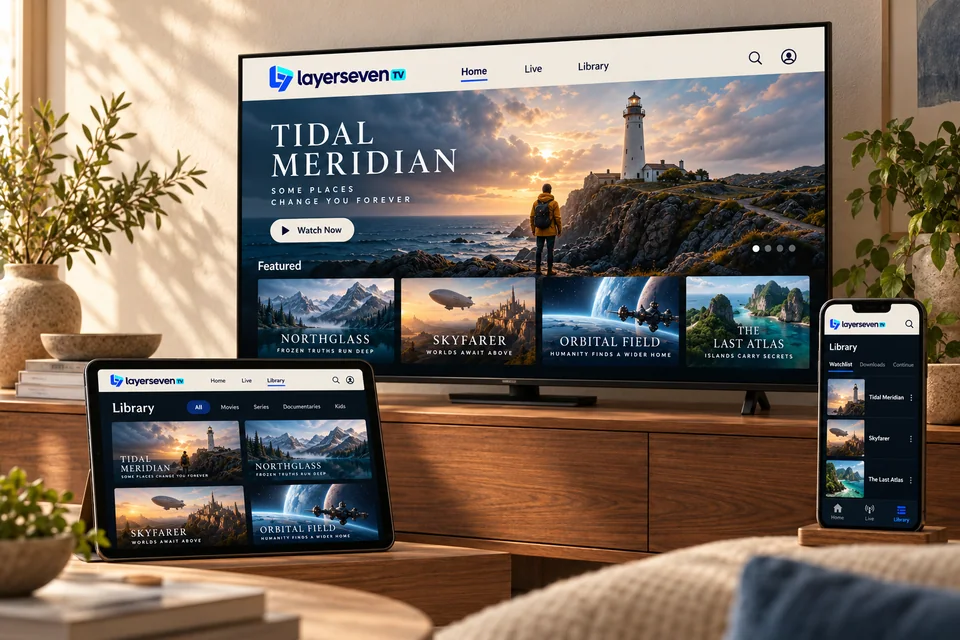
Most Smart TVs with their own app store can run a player app directly, so you don’t need an extra box.
What you need
Some third-party player apps charge their own small activation fee. We tell you before you install.
Full Smart TV setup guideOne of the simplest ways to add LayerSeven TV to any television with a free HDMI port.
What you need
If the app has to be installed with Downloader, we walk you through each screen on WhatsApp.
Full Fire TV Stick setup guideAndroid devices run the widest choice of player apps, from the living-room box to the phone in your pocket.
What you need
Unbranded boxes vary a lot in quality. Send us the model before you buy one just for TV.
Full Android setup guideInstall a player from the App Store on Apple TV, iPhone or iPad and sign in with your details.
What you need
Some App Store players are free to try and ask for a one-off purchase to unlock features.
Full Apple TV & iPhone setup guideA desktop player app turns a laptop into a second screen — handy in a home office or on the road.
What you need
Want the picture on your TV? A streaming stick is usually smoother than mirroring a laptop.
Full Computer setup guide03 Plans & prices
One price per period, paid once. Every plan includes the same channels, library and setup help — longer plans simply cost less per month.
Every plan includes
Want to watch on several screens at the same time? Ask before you order and we’ll confirm what your plan covers.
Prices in euros (EUR), paid once per period. Every plan includes the same channels, library and support. Compare plans in detail · Refund policy
04 How it works
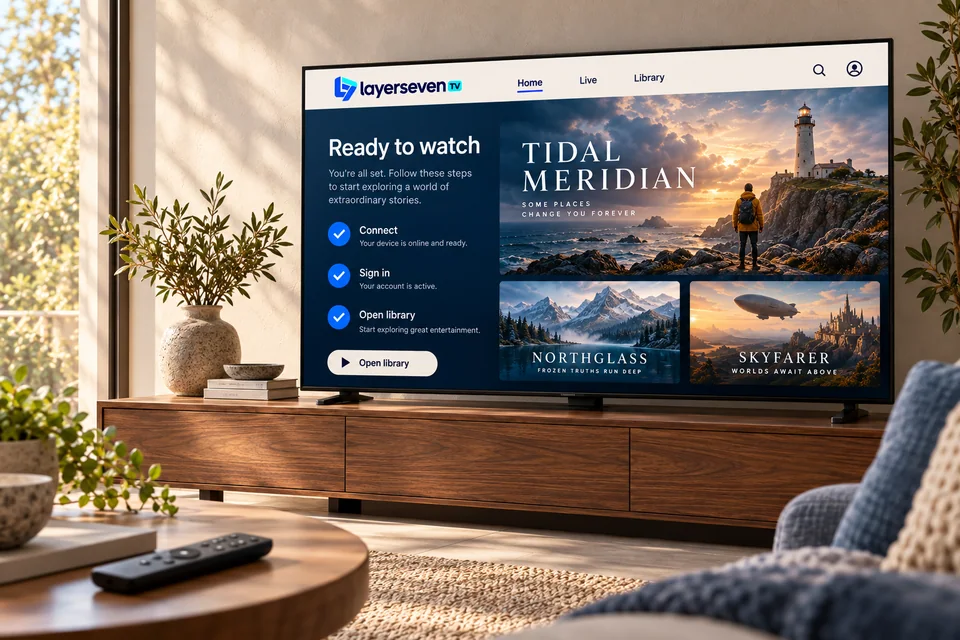
Message us on WhatsApp with the plan you want and the TV or device you’ll watch on. We check compatibility before anything else.
We confirm your plan and share the payment options. You pay only once your questions are answered.
As soon as payment is confirmed, we send your login details or playlist link, plus the player app we recommend for your device.
Follow the guide for your device. Stuck on a screen? Send a photo and we’ll tell you exactly what to press.
The same chat handles renewals, a new TV, or a channel that misbehaves months from now.
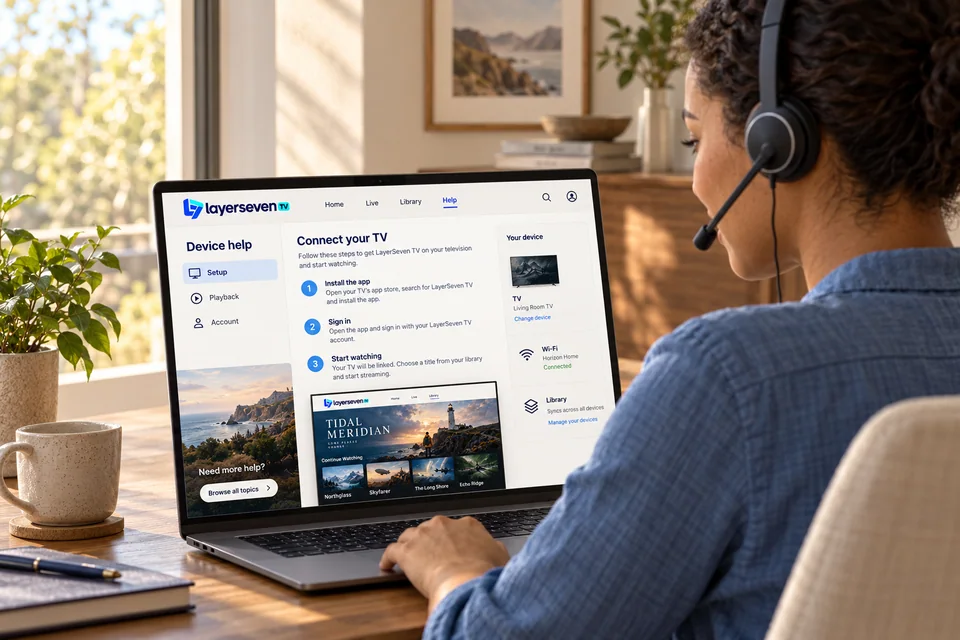
05 Support desk
Setup questions, a login that won’t work, a channel that stutters on a Saturday night — you message us and a person replies in writing, so you can scroll back to the steps later.
WhatsApp — fastest
+212 781 768 546What we help with
06 Customer scenarios
These are typical situations we help with every week, written by our team — not customer reviews. The last one matters as much as the first three.
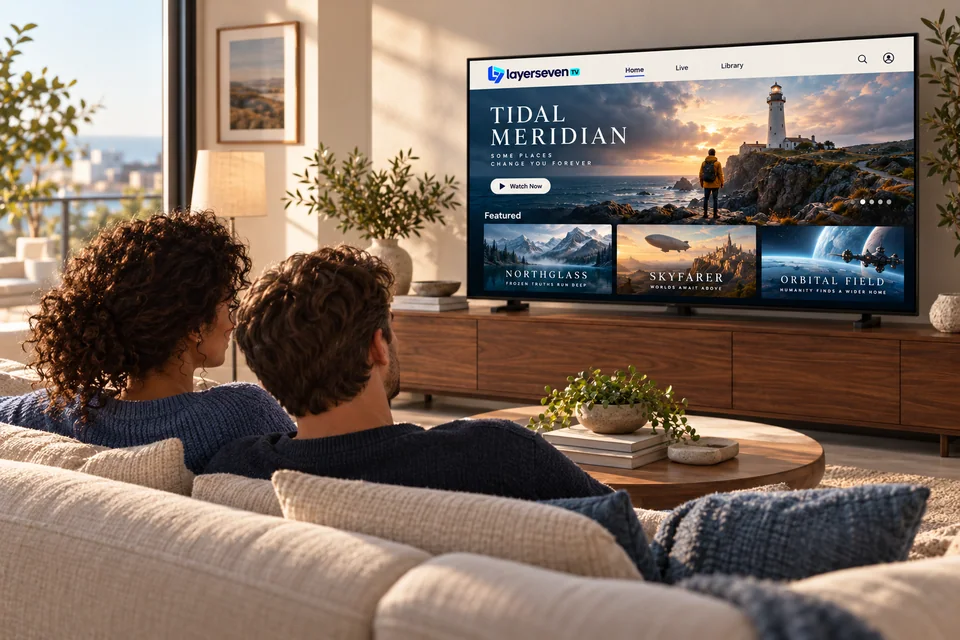
A good fit
Install once on the living-room TV, learn three buttons, and you’re done. We stay on WhatsApp for the evening someone sees “login failed”.
A good fit
Check that the event you care about is available before you pay, and test your connection the day before — not five minutes before kick-off.
Sports tipsA good fit
Watch English-language channels and on-demand titles on your own TV, wherever your internet connection is.
English-language IPTVNot the right fit (yet)
If a speed test on your TV shows under 10 Mbps, or drops often, improve the connection first. We would rather tell you now than refund you later.
Home-network fixes07 What people watch
Two very different evenings, two different things to get right. Here’s what we tell customers before each.


Photos are illustrative. Teams, players and titles shown are fictional.
08 Compare
No TV service is right for everyone. Here is an honest side-by-side to help you decide.
| Question | LayerSeven TV | Cable or satellite | Separate streaming apps |
|---|---|---|---|
| How you pay | Prepaid: 1, 3, 6 or 12 months | Monthly bill, often with a 12–24 month contract | A separate monthly fee for each app |
| Installation | An app on your device, with help on WhatsApp | Set-top box, dish or a technician visit | Install and sign in to each app |
| Live channels | National and international | Yes, depending on the package | Mostly on demand; live TV varies by app |
| Movies & series | On-demand library included | Often an extra package | Each app has its own catalog |
| Devices | Smart TV, Fire TV, Android, Apple, computer | Usually tied to the provider’s box | Most devices |
| Needs a good connection | Yes — 10 Mbps per HD screen | No (satellite) / depends (cable) | Yes |
09 Guides
Written from the questions we answer every week — setup, picture quality and choosing a device.
Welcome to WordPress. This is your first post. Edit or delete it, then start writing!
10 FAQ
Short, straight answers. There are more in the full FAQ.
LayerSeven TV is an internet TV (IPTV) subscription. Instead of a dish or a cable box, you watch national and international live channels, movies, series and sports through a player app on your Smart TV, streaming stick, phone, tablet or computer.
Plans cost €17 for 1 month, €33 for 3 months, €44 for 6 months or €65 for 12 months, paid once for the whole period. Every plan includes the same channels, library and support — longer plans just cost less per month.
Smart TVs (Samsung, LG, Android TV and Google TV), Amazon Fire TV Stick, Android boxes, Apple TV, iPhone, iPad, Android phones and tablets, and Windows or Mac computers. Not sure about your model? Send it to us and we’ll check. See all compatible devices.
We send your login details as soon as your payment is confirmed. Installing the player app and entering the details usually takes one sitting, and we can guide you step by step on WhatsApp.
Yes, and we encourage it. Line-ups change from time to time, so if one channel or event matters to you, ask us on WhatsApp and we’ll check it before you pay.
We recommend at least 10 Mbps per screen for HD and 25 Mbps for 4K content, measured on the device you watch on. A stable connection matters more than the headline speed, and a cable beats Wi-Fi.
You can request a short test to check the service on your own device and connection. See how trial requests work.
Tell us straight away. We troubleshoot with you first, and most problems are solved in the same chat. Our refund policy explains, in plain English, which situations qualify for a refund and how to request one. Read the refund policy.
Several websites use similar names. Our contact details are the ones on layerseventvhd.com: WhatsApp +212 781 768 546 and [email protected]. We will never ask for your bank password, card PIN or a one-time security code.
Still deciding?
Tell us your TV or device and the channels you care about. We’ll tell you honestly whether LayerSeven TV is a good fit — before you pay anything.
Prefer email? [email protected]